
This week I have started to work on the use user journey through the app that we want to be able to show in our presentation on week 6. This journey will show a shopper setting us their account, choosing their subscription level and then shopping through the app to find stuff for the month that adds to the value that their subscription level allows.
Entry / set up to the app
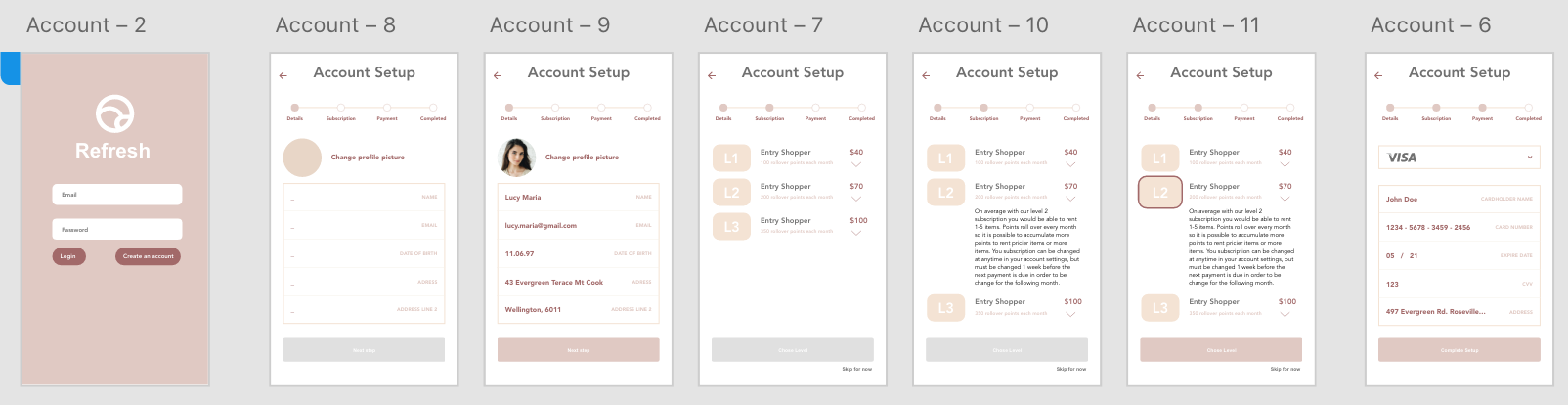
This shows the current start up page (which has a just browsing option for those not ready to sign in. It then takes them through the 3 step account set up. First is entering in details such as name, address and an optional profile picture, then through to the subscription selection (which can be skipped for later). In this section there are options to read about what each subscriptions allows for. The last part of set up is entering in payment details, which will be saved in the app for easy checkouts and incase something goes wrong and we need to deduct payment from their account.
Account page
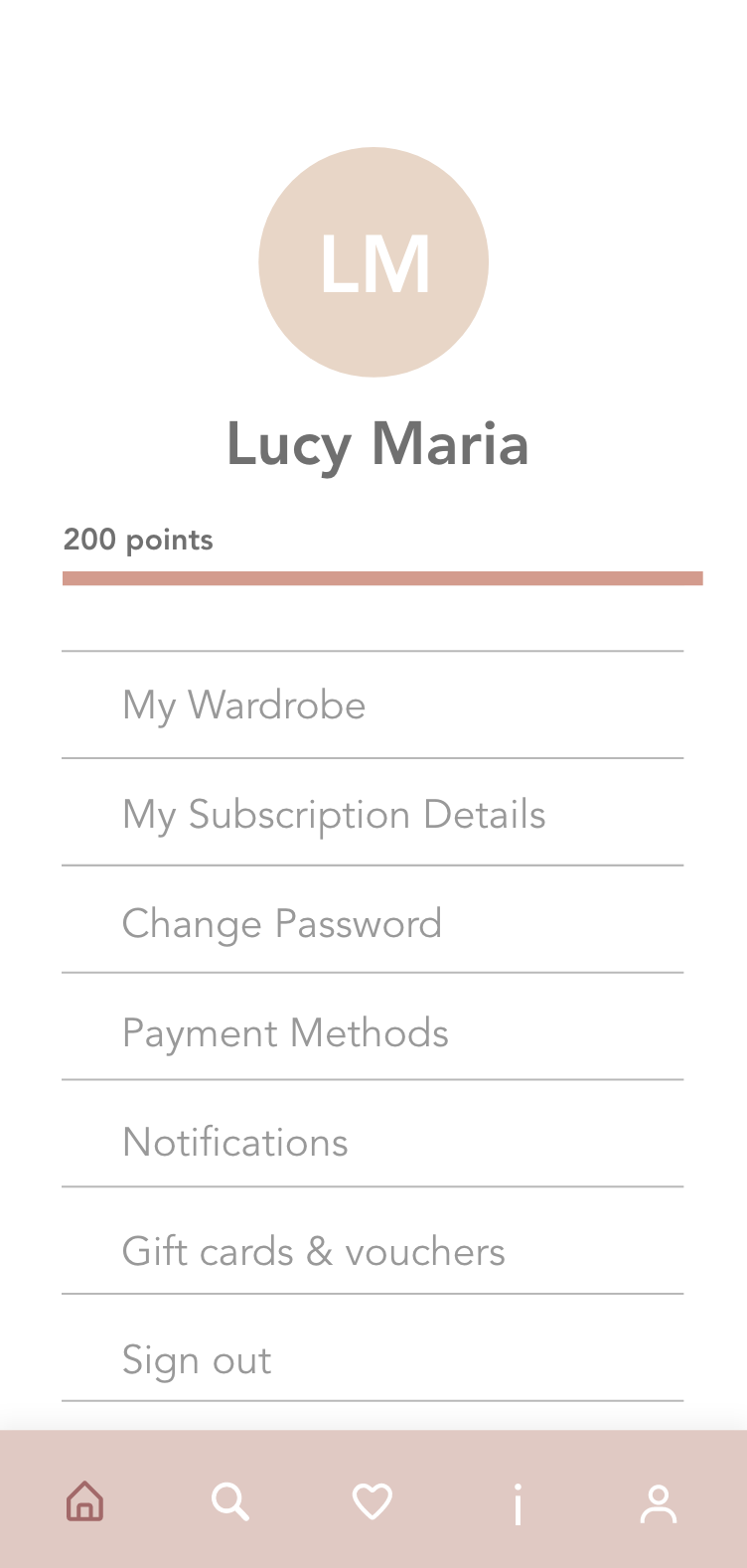
The account page hasn’t been changed too much yet but it nows has a bar along the top to show how many points are remaining on the account. Points rollover at each renewal so can be accumulated overtime, or can be used every month.
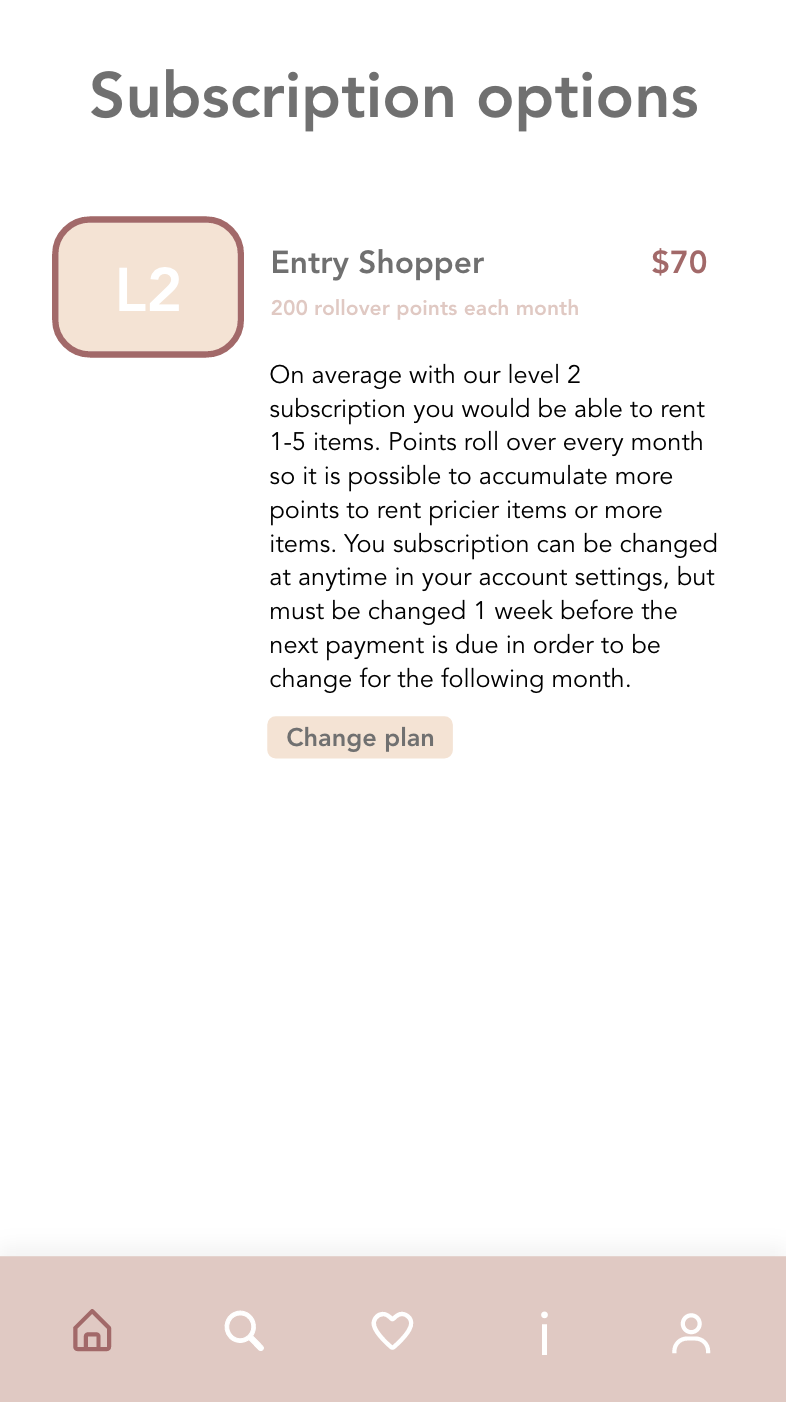
By clicking on subscription details the user can see what level they are on, what it entails and can change to another plan if they wish.
Shopping journey
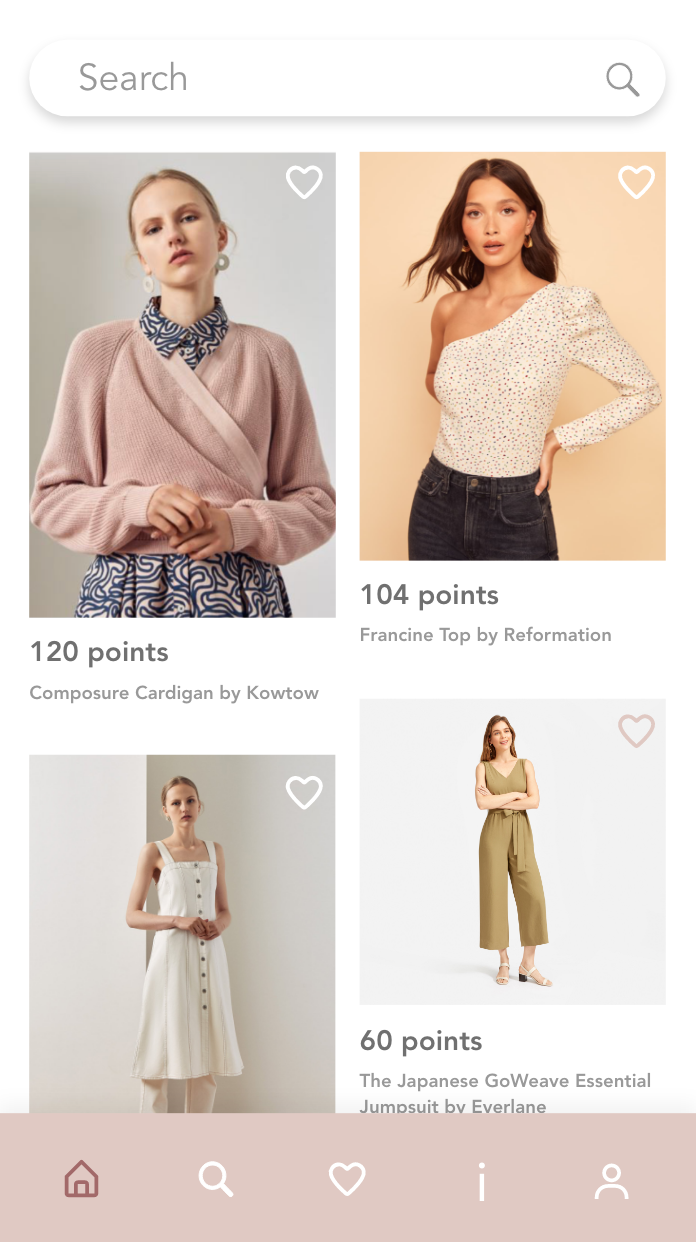
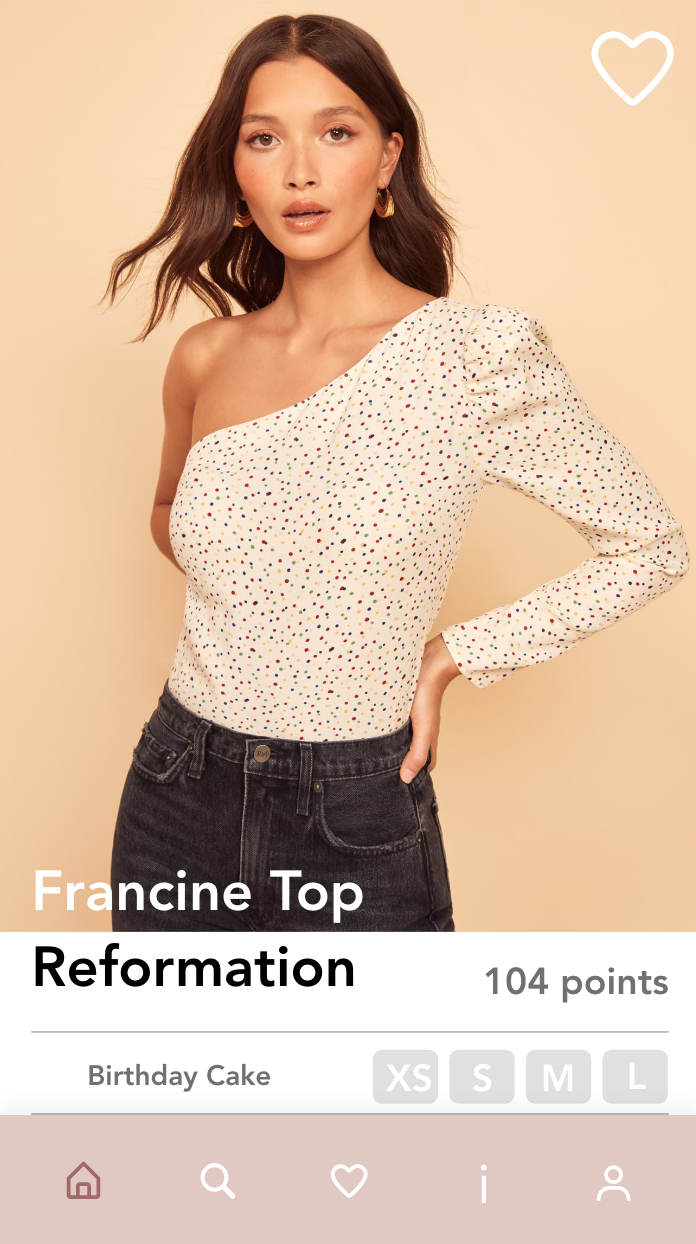
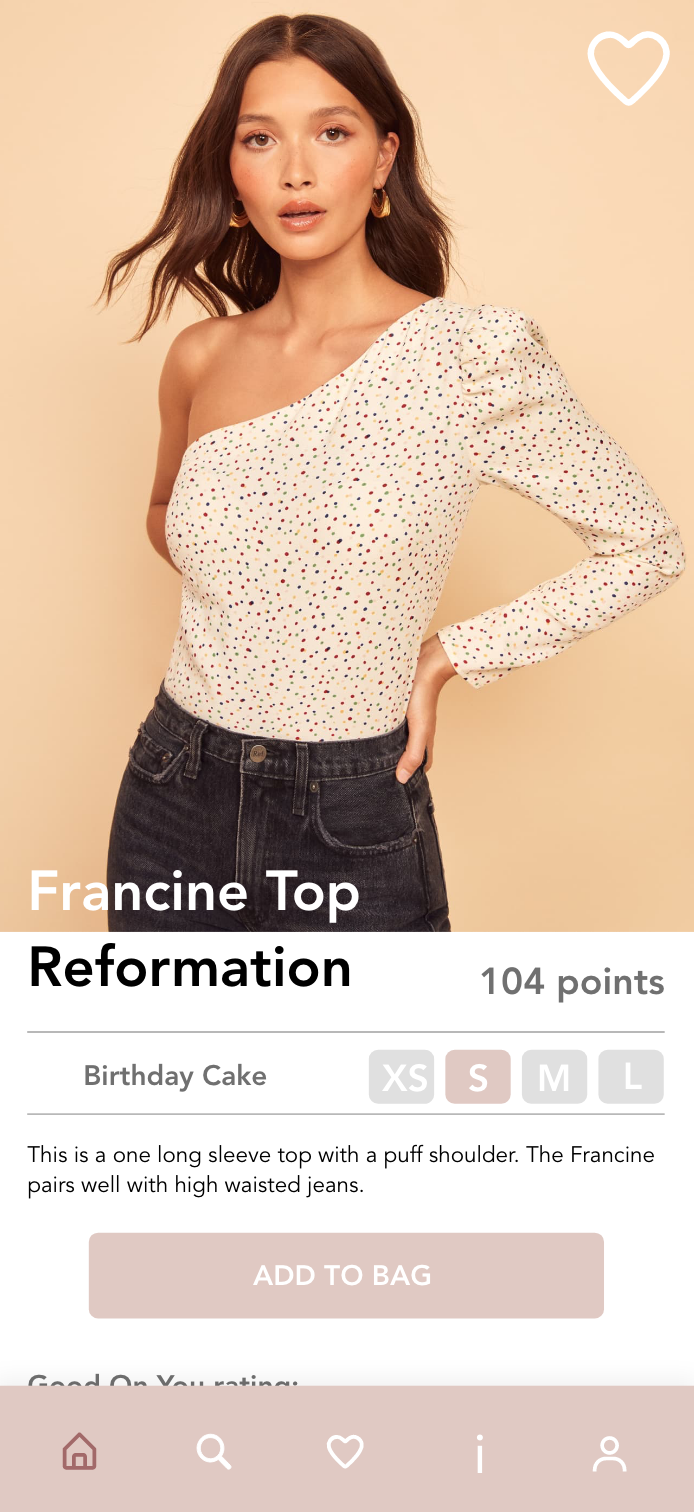
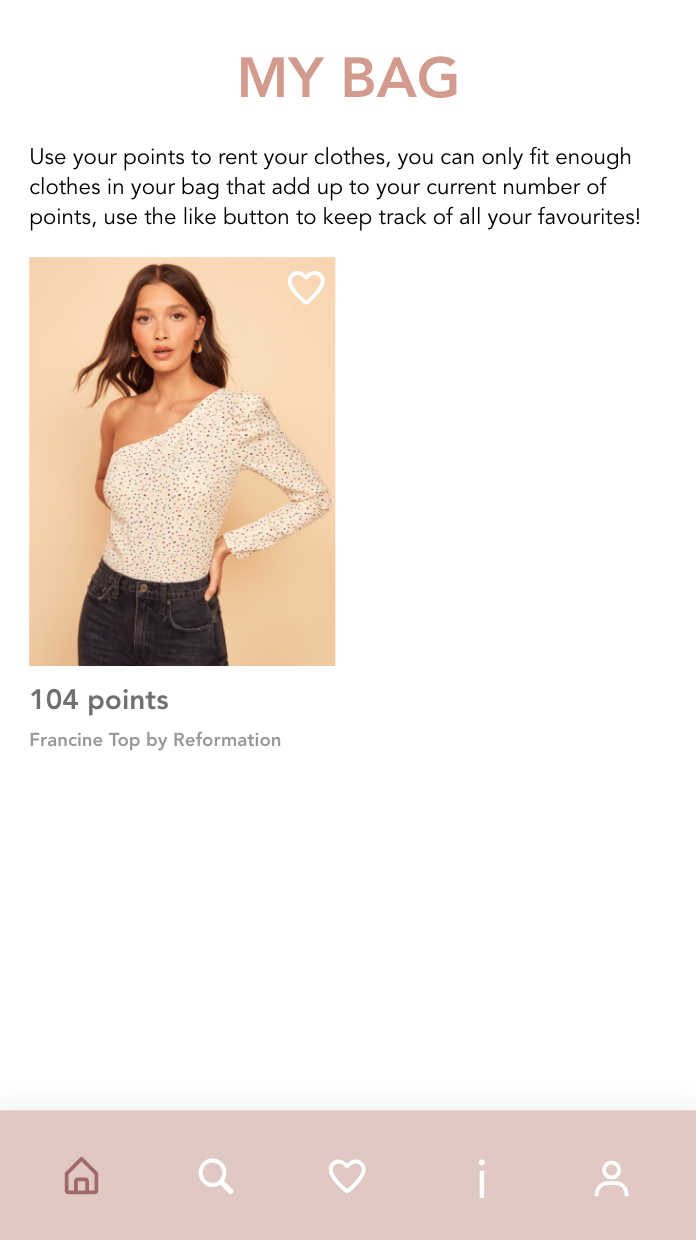
The next portion of the journey is shopping for the items. Each item now is labeled by points, not price. They can then select their size and add it into their back or give it a like to save it for later.
One thing I want to change before next week is to change the i symbol (which was going to be a how we work page into a bag as a way to easily see what you have saved in there.

 Refresh Fashion Library